SMS Tools Walkthrough
There are a couple of options that we provide through our SMS Tools add-on that can help improve your workflow by enabling SMS features. Take a look at the different features we offer to see if this add-on can increase the capability for your workflow.
SMS Tools Add-on
The SMS Tools add-on is an additional charge that provides two SMS-based features that can be included in your workflow: SMS authentication and SMS delivery. This add-on can be used with a Standard API plan or higher. For more details on our API plans, please see our plans and pricing page. For any questions regarding the SMS Tools add-on option or billing, please contact our Sales team with this form.
SMS Authentication
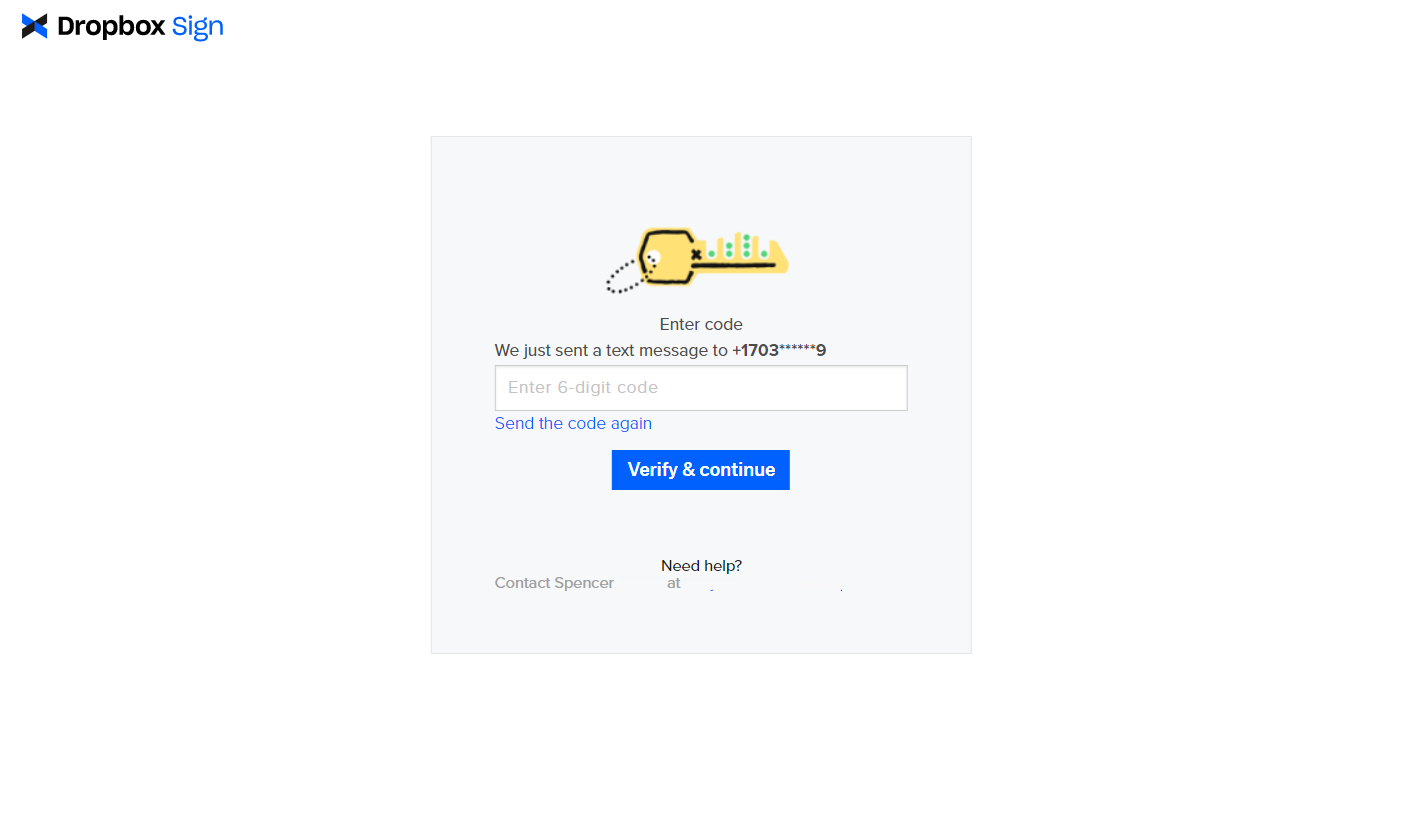
The SMS authentication feature provides the option to include a unique SMS authentication code that is sent to the signer once the signature request is submitted. In order for the signer to open and complete their portion of the document, they’ll need to provide the unique code sent via SMS. This adds an additional layer of security when having your signers complete their signature requests.
SMS Delivery
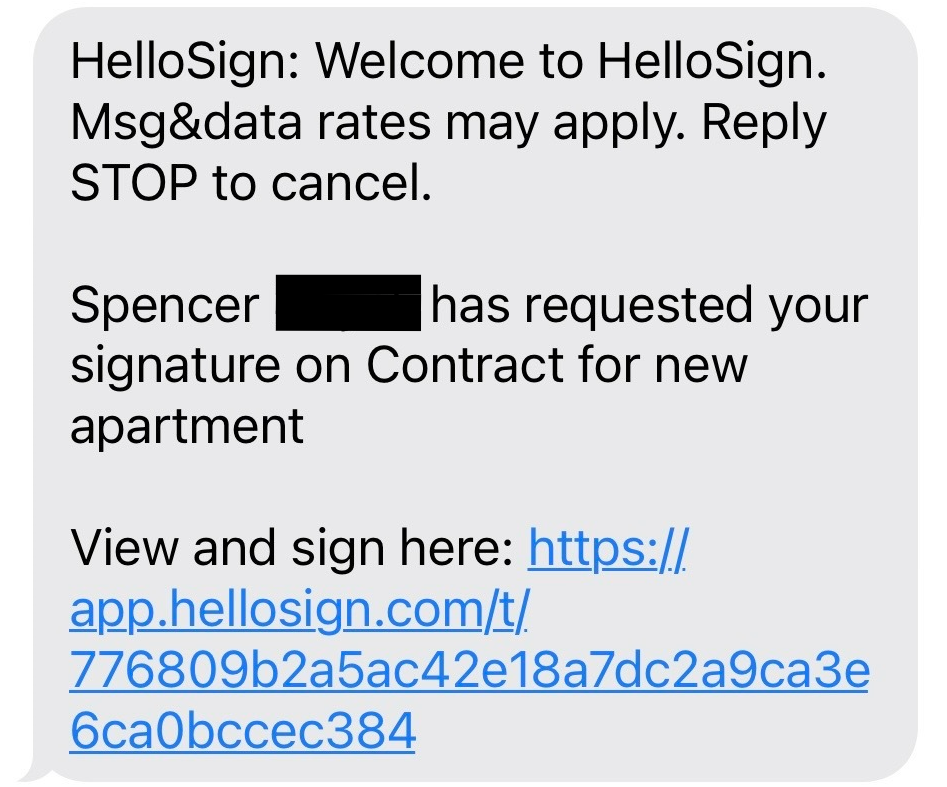
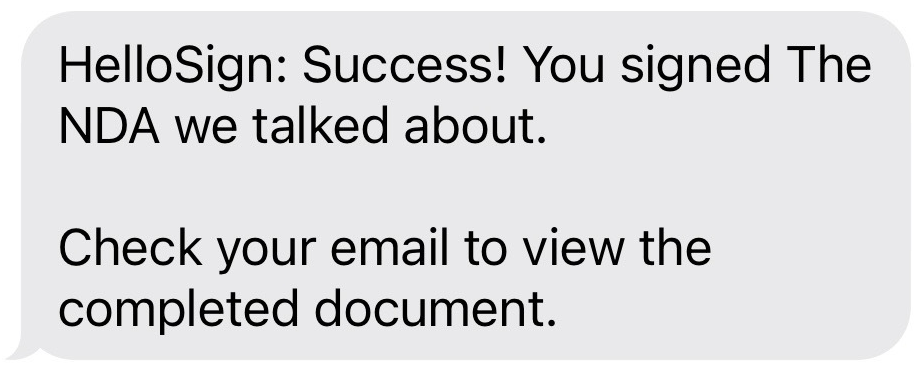
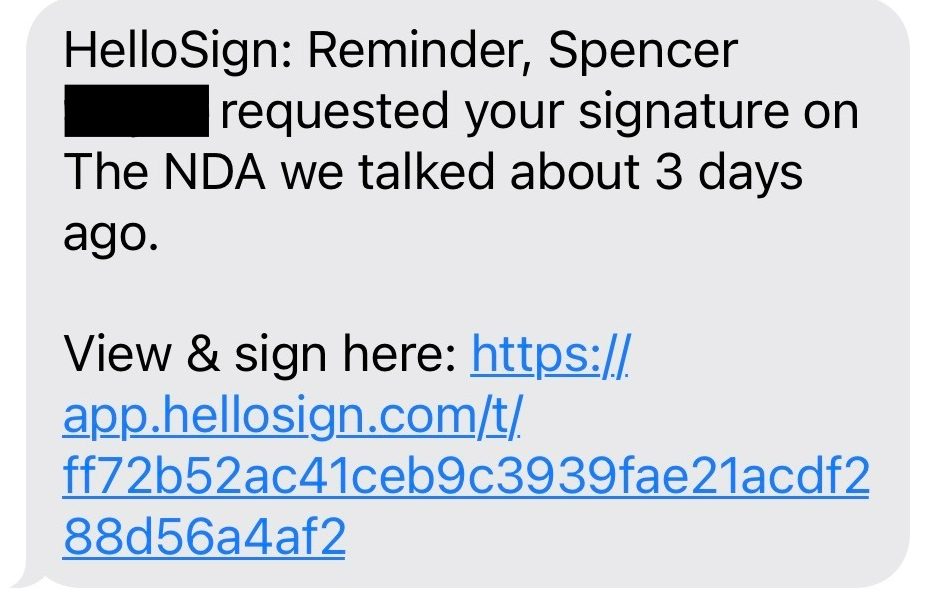
The SMS delivery feature provides a link to sign the signature request via both email and SMS. Once the signature request is sent to the signers, each signer will receive both an email notification and an SMS message with a link to complete their portion of the document.
Requirements
Attention
Note: E.164 is a general phone number format that has a maximum of 15 digits. The format includes the + [country code][subscriber area code + subscriber number]. Here’s an example of a US phone number in E.164 format: +12345678901
Updating Admin Console Settings
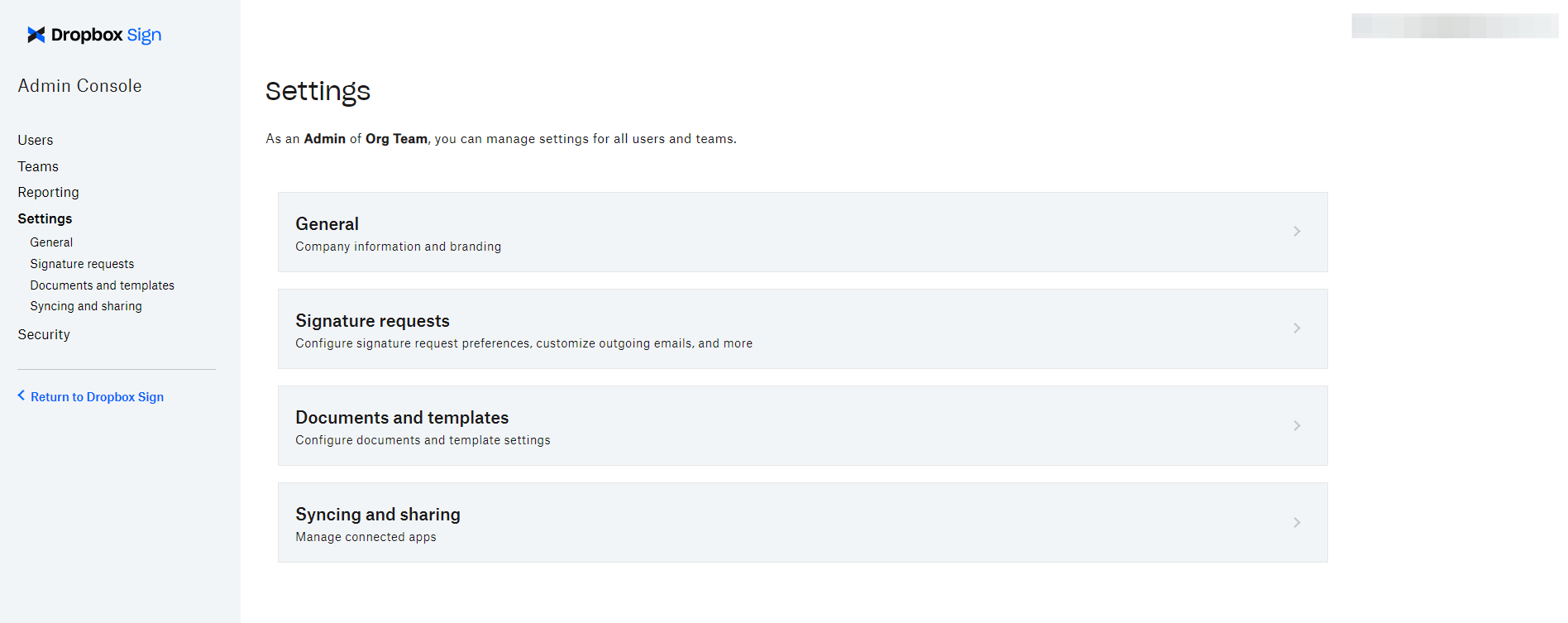
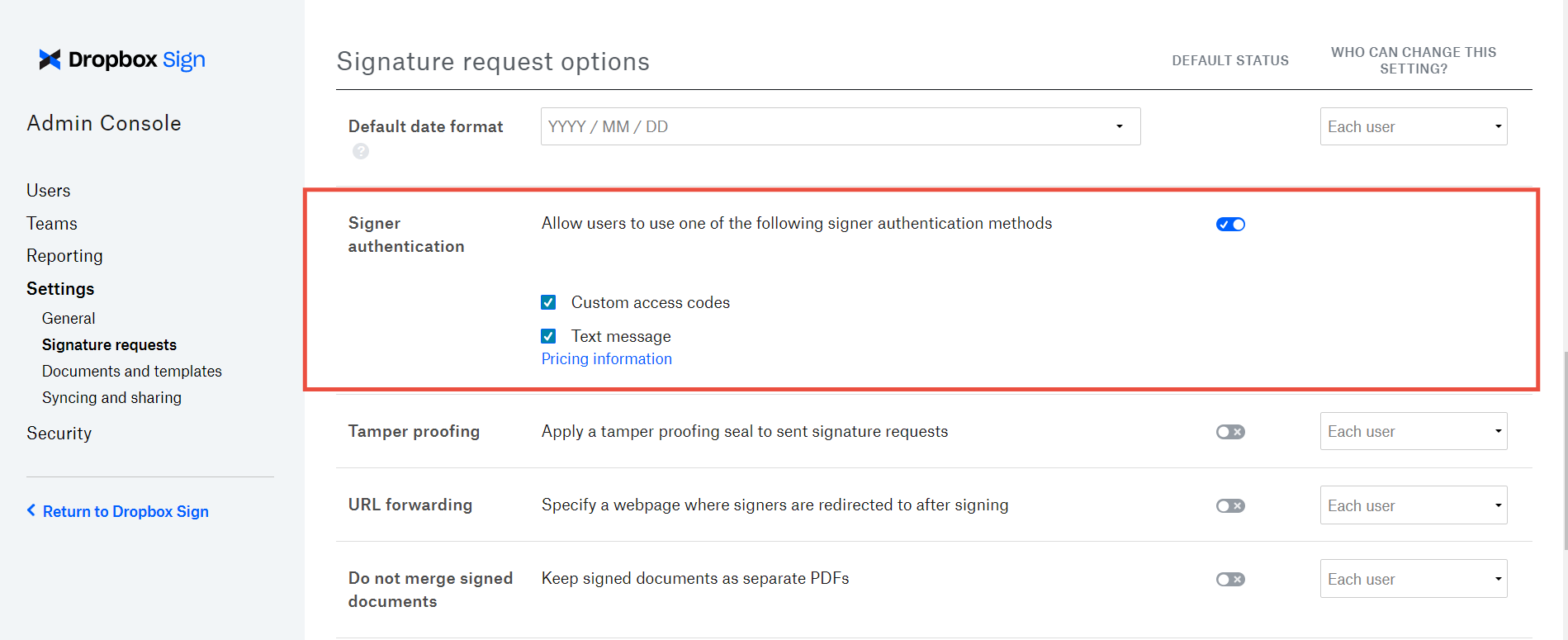
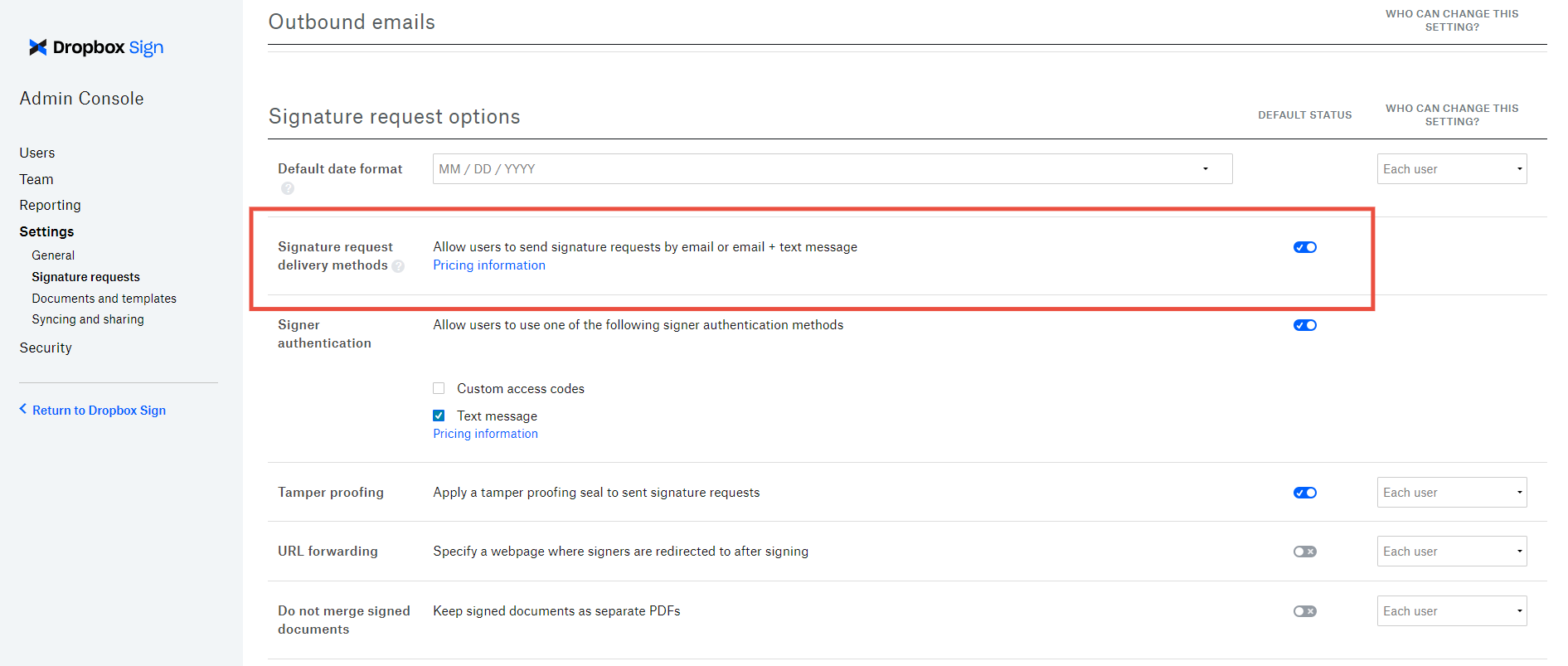
Using SMS Authentication and SMS Delivery
Warning
- SMS authentication and SMS delivery cannot be tested in
test_mode. - Message and data rates for SMS messaging may apply.
- SMS Features may not be available in all countries. If receiving an error, please send a request to our support team using this form.
Both features available for the following API endpoints:
- Send Signature Request
- Send with Template
- Bulk Send with Template
- Create Embedded Signature Request
- Create Embedded Signature Request with Template
- Embedded Bulk Send with Template
Process
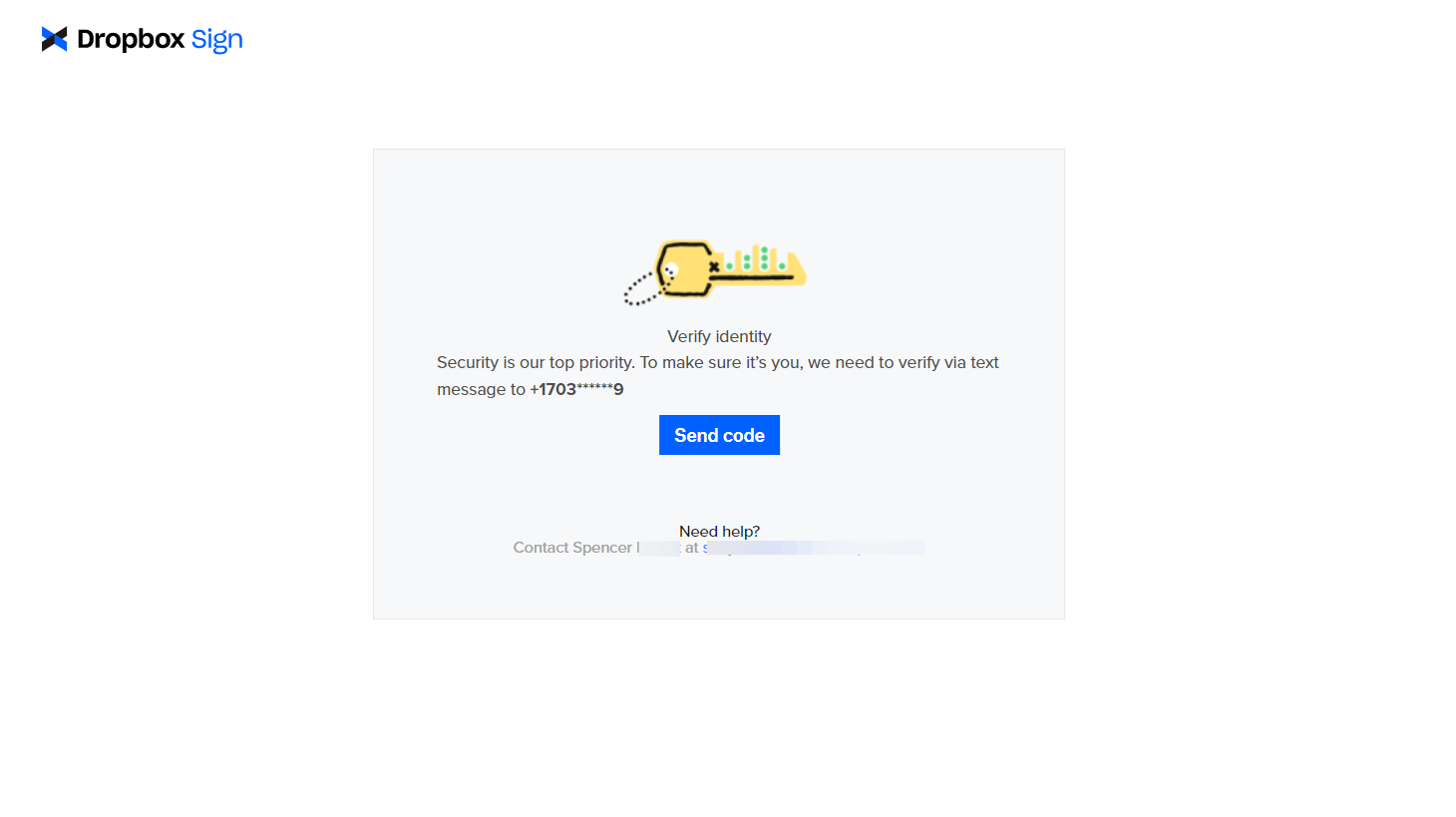
Examples:
Attention
Note: These features can both be used with the above endpoints using our new SDKs. Please see our overview page to get started with our official SDKs.

